
Use these steps if your organization tells you to use your work account for Momentum. It may call this single sign-on or SSO. The screens depend on your organization's setup.
On your phone
- Open Momentum. Enter INSTANCE, the part of your organization's Momentum address before
.biosked.com. - Tap Sign in if it is offered. Follow the browser that opens.
- Choose your hospital's sign-in option if it appears. You may be taken there automatically.
- Complete your hospital's sign-in steps, then return to Momentum.
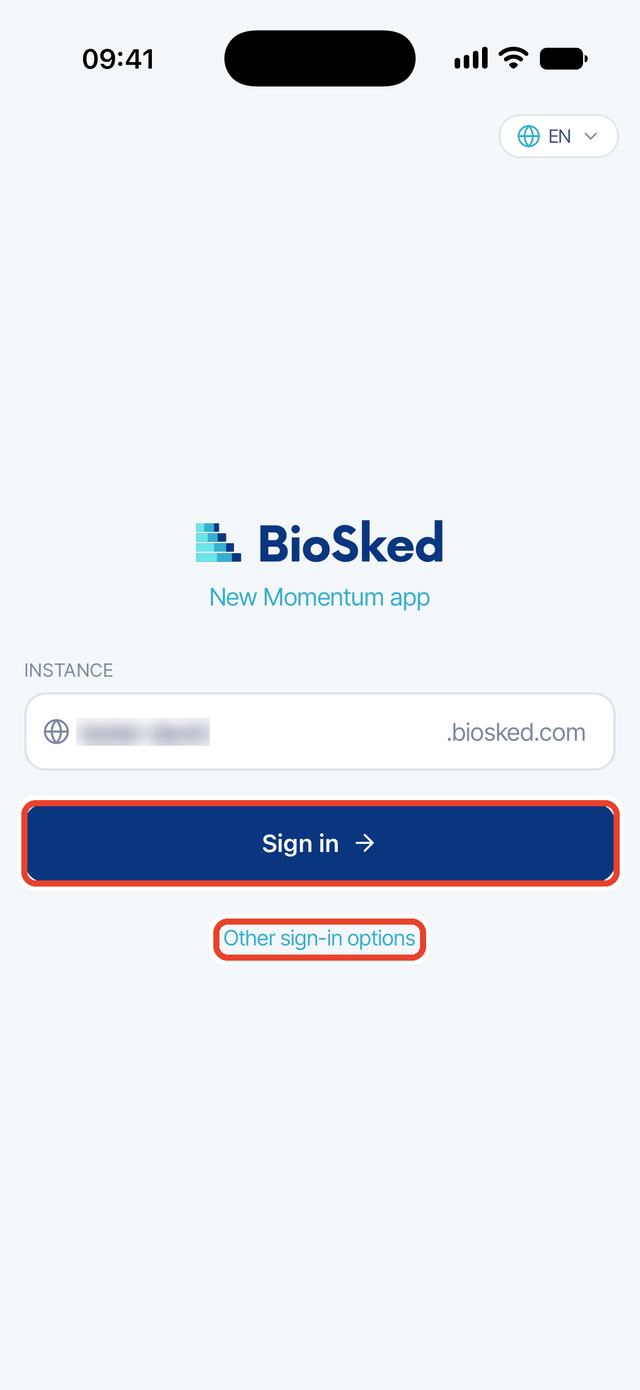
Opening a browser does not always mean hospital sign-in: it may show a Momentum password form. If you close the browser before finishing, start again from the app.
On the web
- Open your organization's Momentum address.
- Choose its hospital sign-in option, or follow the automatic redirect.
- Complete your hospital's sign-in steps.
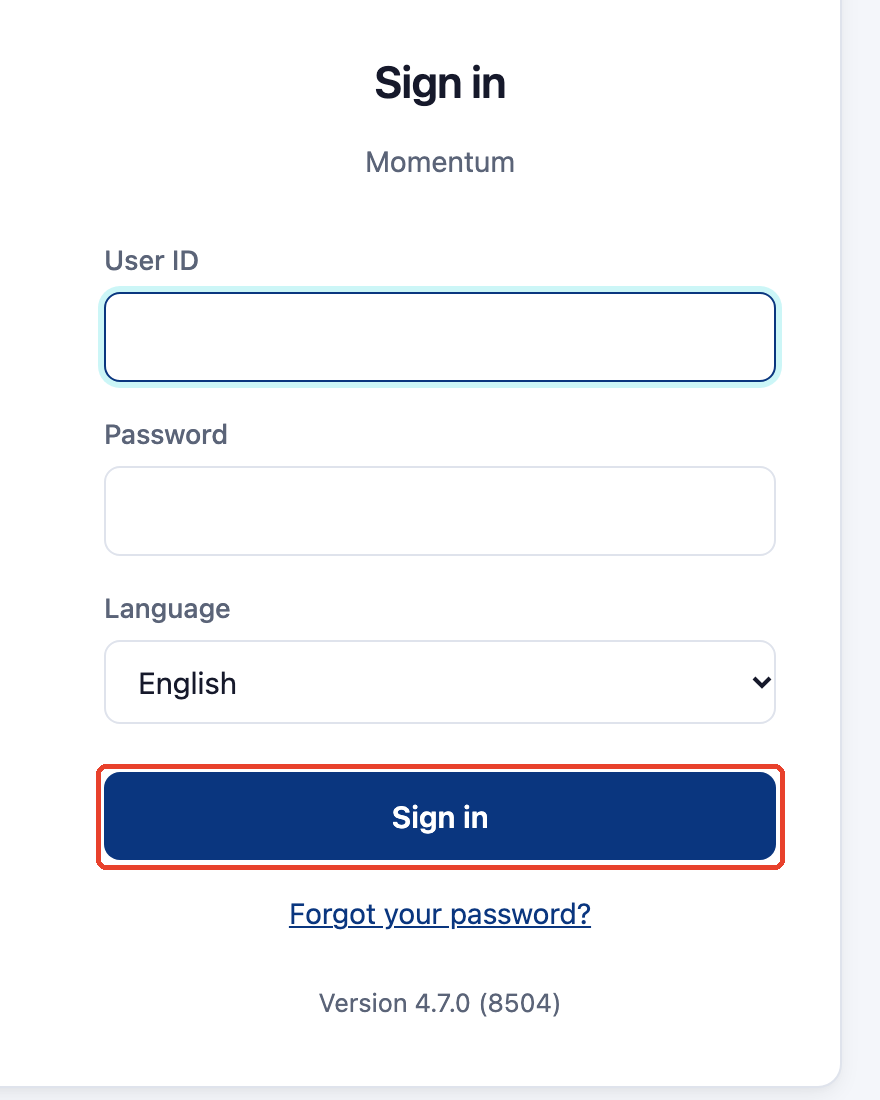
This example shows a Momentum password form without a hospital button. Your organization's page may differ. Some older pages show Use Azure AD; use it only if your administrator has told you to.
Which password should you use?
Your hospital manages its account password. Use its password recovery service or ask hospital IT for help.
If your administrator also gives you a separate Momentum login ID and password, the phone may offer Other sign-in options, then Sign in with password. Those fields use the Momentum credentials. See Momentum password help or account activation.
Ask your administrator
If the hospital option is missing, tell your administrator which site and device you used. If hospital sign-in succeeds but Momentum refuses access, give the exact message and time. Ask them to check that your hospital identity is linked to the correct Momentum account and has access. Never send your password.