
Check these first
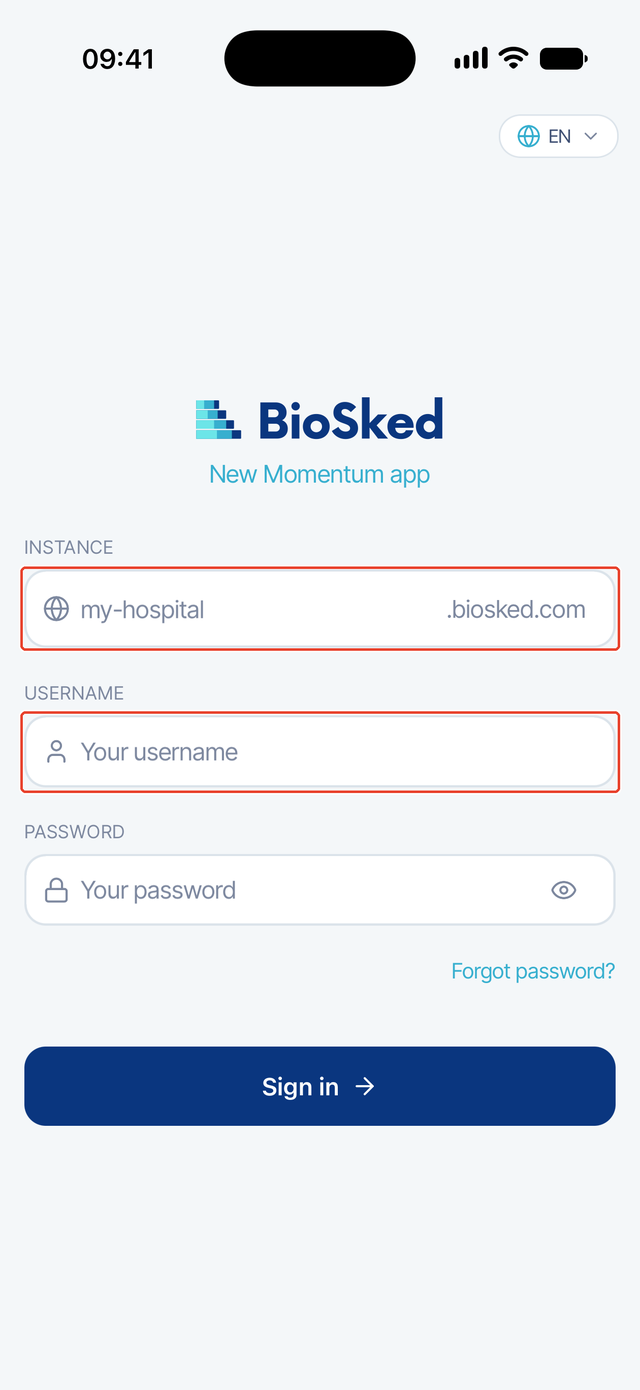
- Open your organization's Momentum site. On your phone, INSTANCE is the part before
.biosked.com, withouthttps://or a path. - Use your assigned login ID in User ID or USERNAME. Your email works only if it is your assigned login ID.
- For a hospital account, follow hospital sign-in.
- For a forgotten Momentum password, follow password recovery.
Your activation page shows your login ID. Otherwise, ask your administrator to confirm it and your instance.
Follow the message
| What you see | What to do |
|---|---|
| Login failed or a message rejecting your login ID or password | Recheck your instance and credentials. The message can have several causes. |
| A message saying your account cannot be found | Ask your administrator to confirm your login ID and site. |
| All fields are required | For sign-in, fill the instance, username and password. For Forgot password?, fill the instance and username. |
| A connection or unreachable-site message | Check your connection and instance spelling, then try again. |
| A message saying your account is not activated | Activate your account, or ask for a new activation link. |
| A message saying your account is inactive | Ask your administrator to check your account status. |
| A message saying no active contract was found | Ask your administrator to check your recorded employment dates. A password reset will not correct them. |
| A message saying you lack login rights or access to locations | Ask your administrator to check your access. |
| Too many attempts | Wait before trying again. |
| A message saying the sign-in page expired | Start again from your organization's Momentum site. |
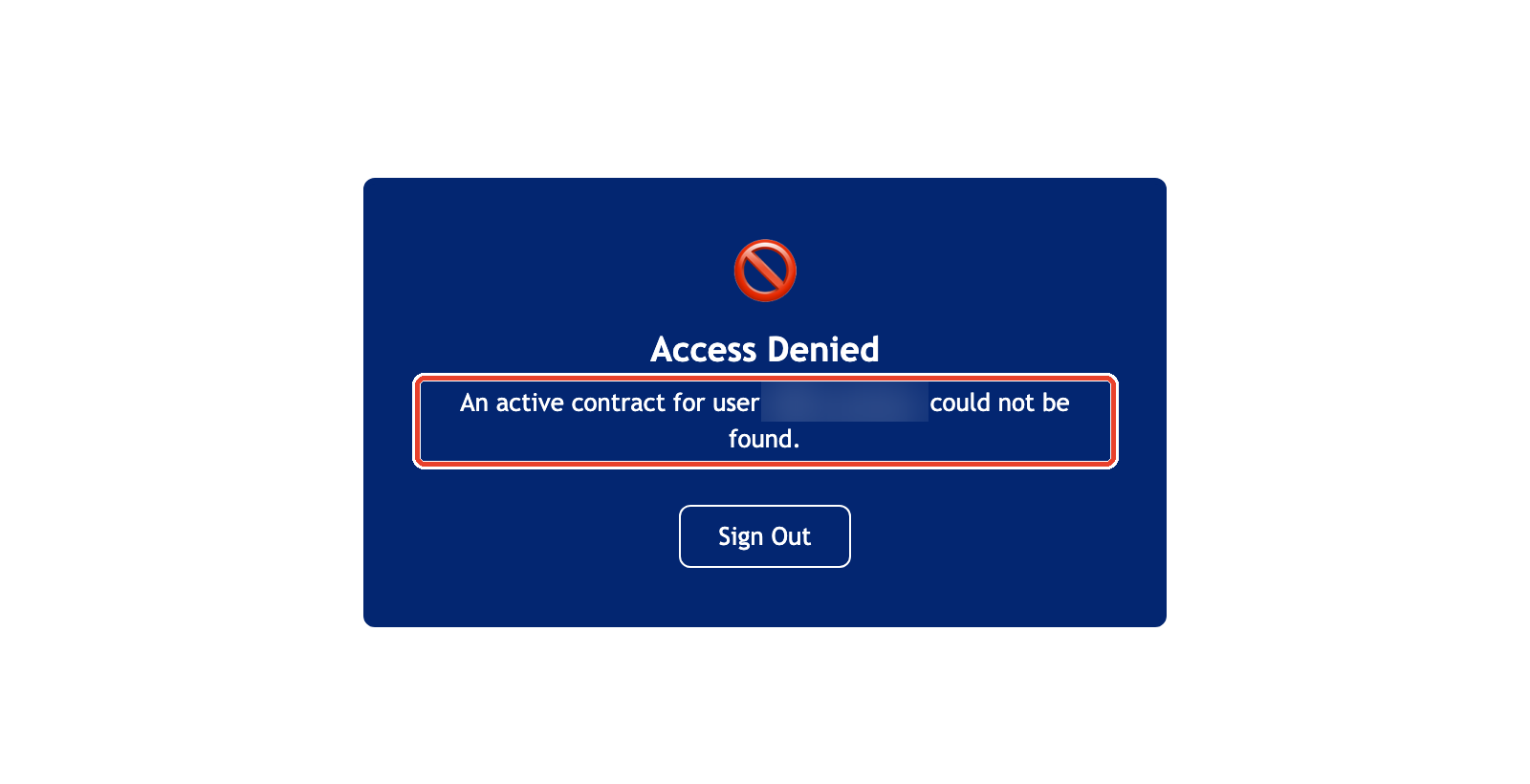
Web and phone access checks can differ. The phone may show a general failure rather than the web's detailed message. A missing or unanswered recovery question is covered in password recovery.
Ask your administrator
If the checks do not help, give your instance, login ID, exact message and the time it happened. Say whether you used the phone app or a browser, and whether you used a hospital account. Never send your password or security answer.
See Download the app and sign in for the full sign-in steps.