
With Auto-verify changes on, dragging one assignment onto another opens a confirmation window that checks the proposed exchange before you confirm it.
With Auto-verify changes off, the exchange is applied directly, without a window asking you to validate or apply it.
On a desktop, the Validate control at the lower left of the footer checks the assignments displayed in the grid; it is available when assignments are shown and you have permission to edit assignments.

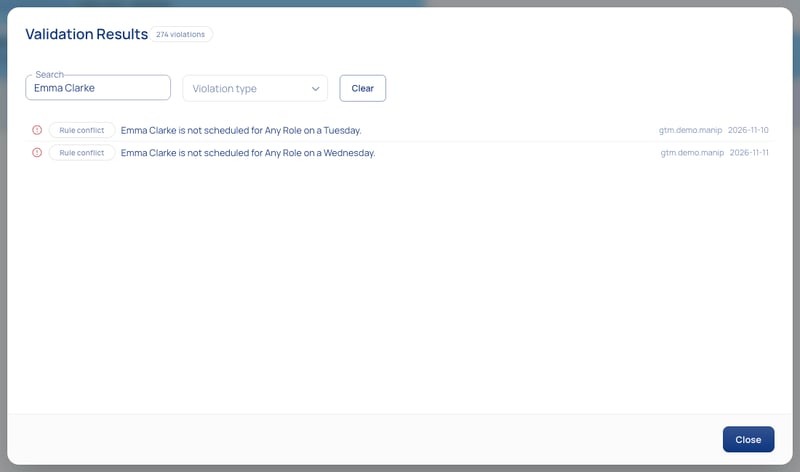
After the check, the results window shows any conflicts found in the displayed assignments.
Important: If a rule check gives an unexpected result, report the issue to Momentum support:
- Click the contact support button
 in Momentum. The more information you share, the faster we can resolve any issues. Please include:
- A summary of the issue
- Steps to reproduce it
- What you expected instead
- A screenshot