
The Profile tab of the Momentum app holds your settings: language, appearance, the first day of the week, your password and signing out.
Open your profile
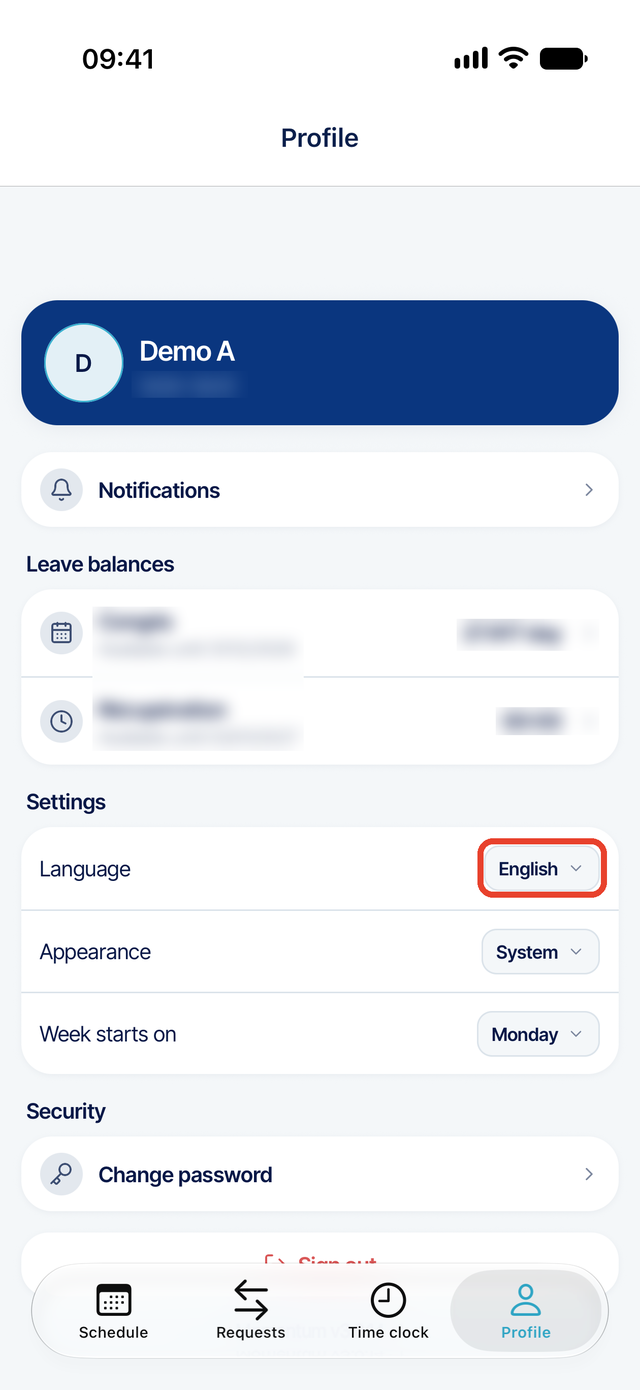
Tap Profile at the bottom right. From top to bottom you find:
- Your name.
- Notifications: messages from Momentum. See Notifications on your phone.
- Leave balances, if your organization shows them. See Your leave balances.
- Settings and Security.
- Sign out, near the bottom.
Change the language
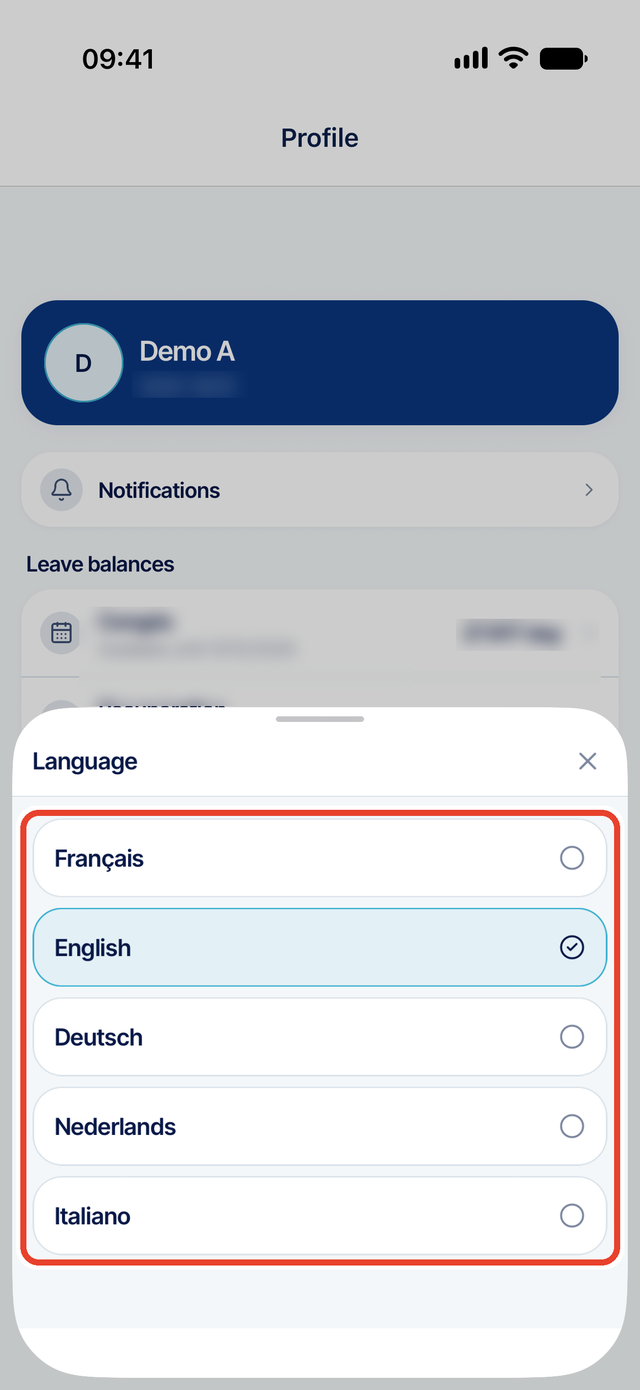
- Next to Language, tap the current language.
- Tap the language you want.
The app changes at once, and so do messages from Momentum such as rule warnings. Notifications you already received keep their language. The choice is saved on this phone. It does not change Momentum on the web.
Change the appearance
- Next to Appearance, tap the current choice.
- Tap Light, Dark or System. System follows your phone's setting.
The app goes back to System each time it restarts.
Choose the first day of the week
- Next to Week starts on, tap the current day.
- Tap Monday or Sunday.
The week view and the month calendars then start on that day.
Change your password
Under Security, tap Change password. See Reset or change your Momentum password.
If your phone uses Face ID or a fingerprint, Security also shows Enable Face ID or Enable Touch ID. Turn it on and confirm with your face or fingerprint. After the app next restarts, it asks for them when you return to it after more than four hours in the background.
Sign out
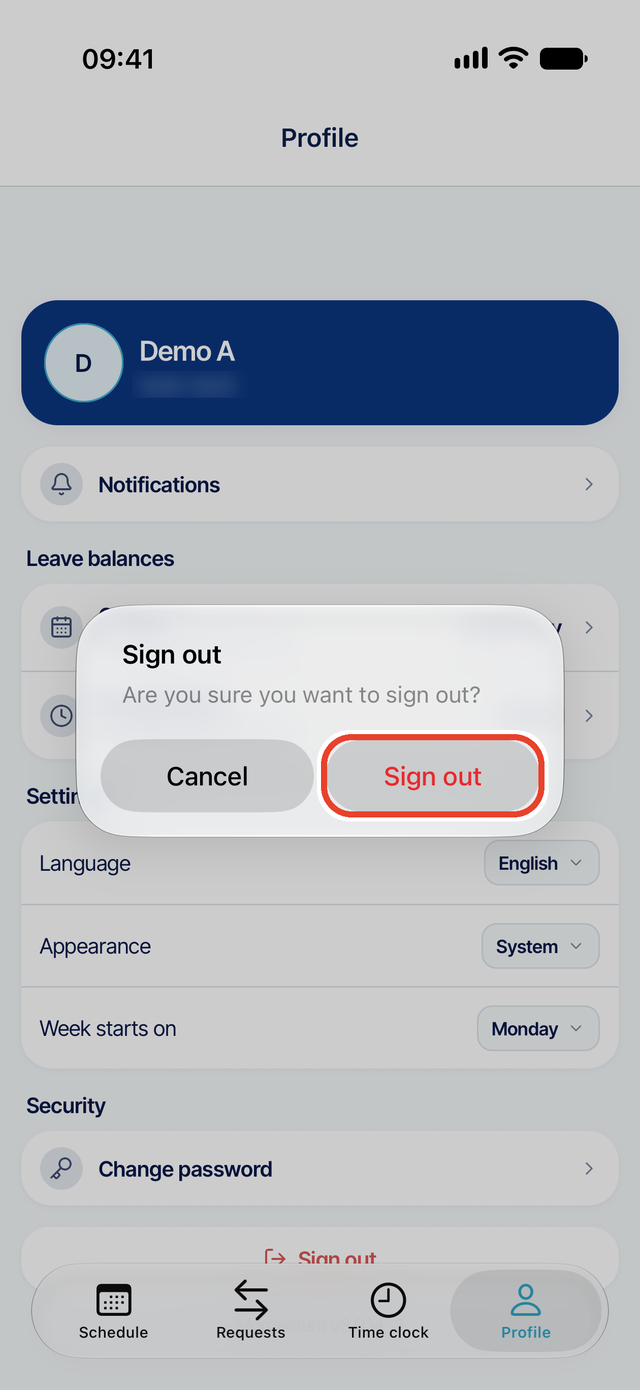
- At the bottom of Profile, tap Sign out. Scroll down first if needed.
- Tap Sign out again to confirm, or Cancel to stay signed in.
After you sign out, this phone normally stops receiving Momentum alerts.
Ask your administrator
If a setting does not behave as described, ask your administrator. Tell them your username, your phone model and what you tried.