
Go to Setup > Staff Setup > Staff List
Click on the staff account needing disabled.
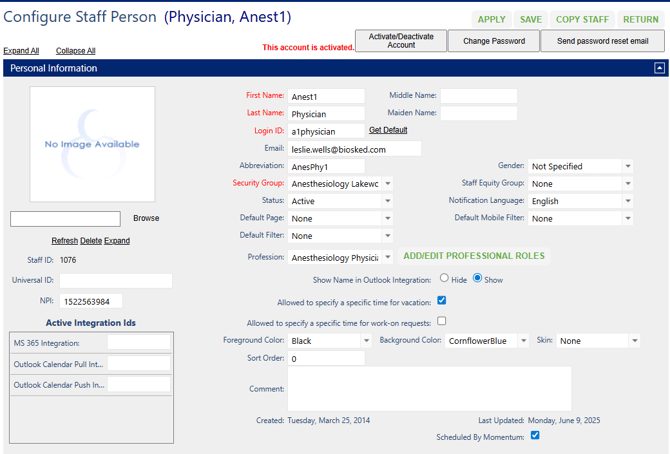
If the account states This Account is Activated, click on Active/Deactive Account button to disable login.
Click on Status to change from Active to Inactive.
Change Security Group to Disabled Accounts (may be called something similar).
Change Sort Order to 9999.
Uncheck Scheduled By Momentum.
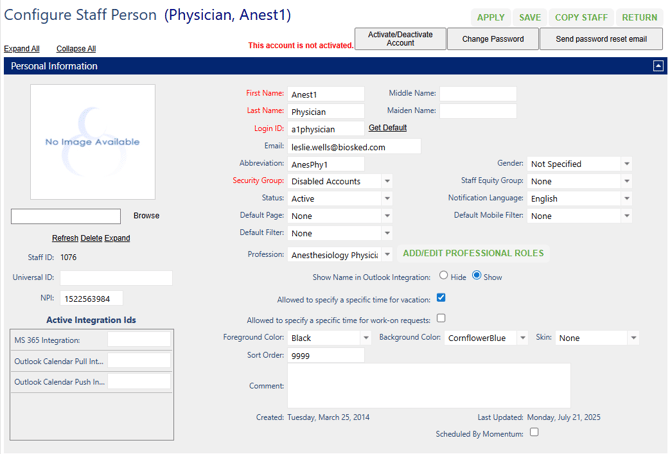
Click Save in the upper right corner.