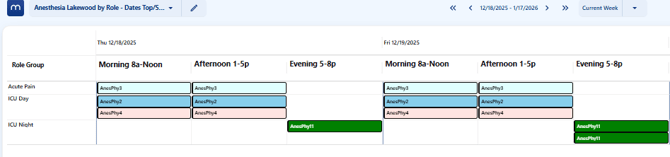
Go to Scheduling < View Schedule < Date View (new)
Click on the pencil filter icon to expand the filter options.

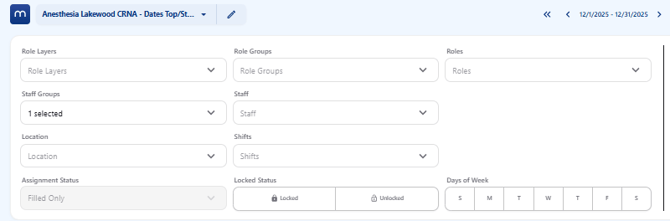
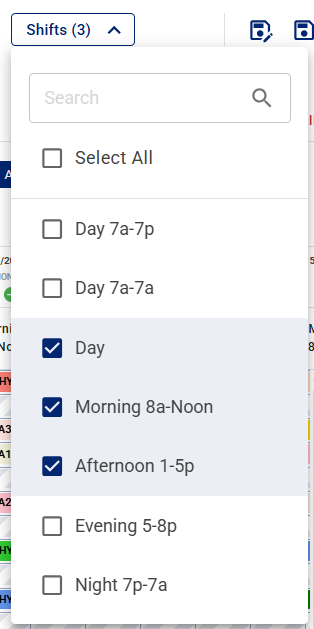
Expand the Shifts menu and click on each of the time off blocks required for the shift view.
Click on New Filter to create a new shift view filter or click on Save to save the current filter for shift view.

Once saved the schedule will show each day split into shifts.